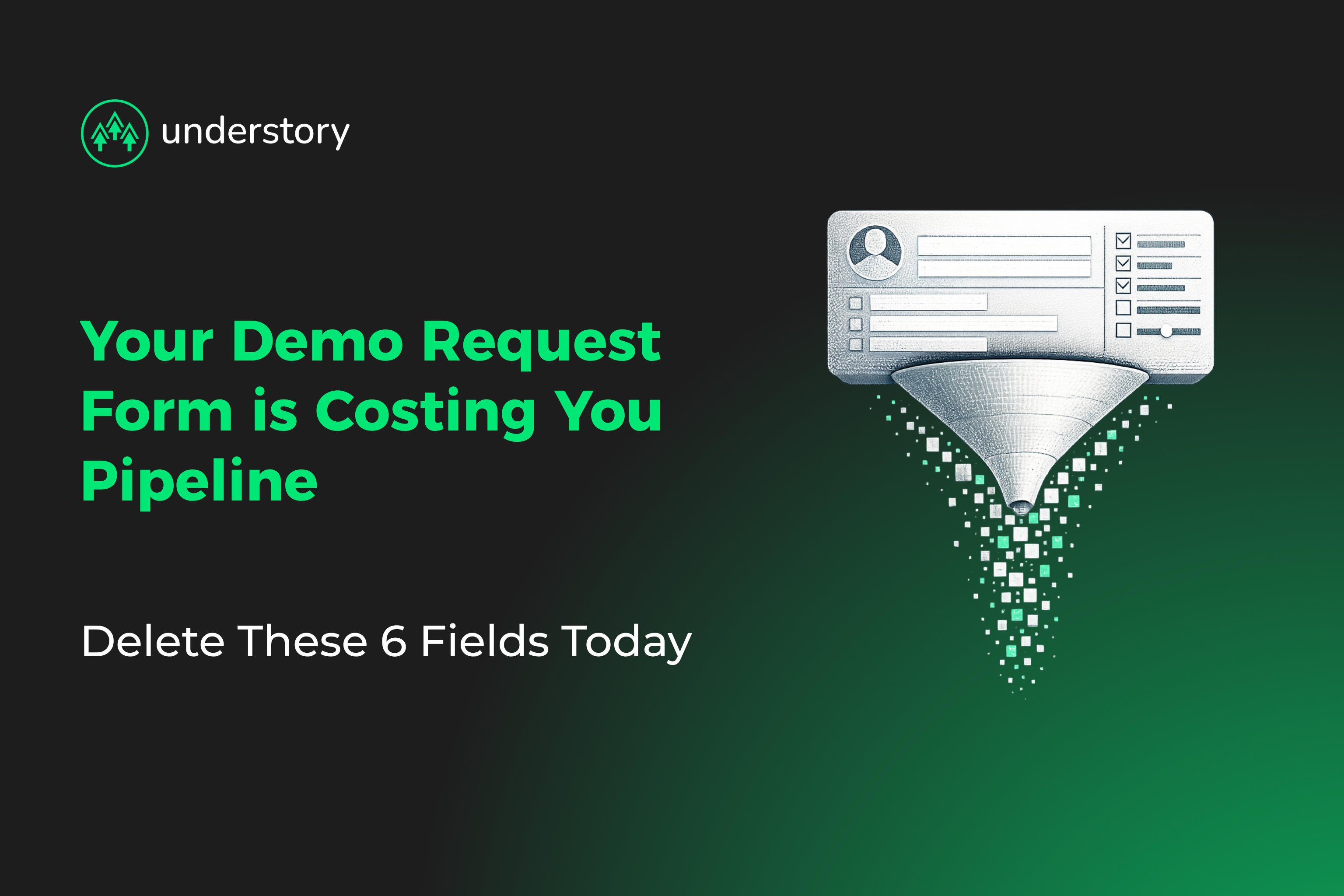
A prospect has researched your product, compared alternatives, and decided they want to talk. They land on your demo request page, which is the highest-intent page on your site, and hit a 10-field form. Most leave.
For a B2B SaaS company running $50K+ ACVs, that friction is expensive. Thankfully, the fix isn't complicated. You simply need to remove the fields your sales team wants but your buyer doesn't need to fill out.
The optimal range: 4–6 fields
Across B2B SaaS, shorter demo forms consistently convert better than longer ones. The practical sweet spot sits in the mid-single digits:
- 1–3 fields can underperform when prospects confuse them with newsletter signups
- 4–6 fields is the most practical range for qualified demo requests
- 7+ fields is where friction compounds and abandonment climbs
If your demo form has 9 or 10 fields, you're creating unnecessary friction before a single conversation happens. A 10-field form typically converts worse than a 6-field form, even before you factor in the post-submit experience.
The 6 fields to delete today
These six fields generate the most friction on SaaS demo request forms, and deliver the least booking value in return.
1. Phone number
Your SDR team wants phone numbers for outreach. But a prospect who just requested a demo doesn't need a cold call; they need a meeting booked. If you must collect a phone number, make it optional. Better yet, capture it during scheduling confirmation.
2. Company size / employee count
This is qualification data, not booking data. It may be useful for routing and prioritization, but the prospect shouldn't have to type it in. Tools like Clay can pull company size from a business email domain in seconds without any form field.
3. Industry
Same logic. Industry helps with segmentation and routing, but it adds friction without helping the person filling out the form. Every dropdown is a micro-decision. Enrich it instead.
4. Job title
Manual job title entry is both high-friction and low-reliability. Prospects abbreviate, use internal titles, or type whatever gets them through the form fastest. Enrichment tools pull more standardized title data from public profiles and company databases, giving your sales team cleaner data than a free-text field provides. If you're not ready to remove it entirely, make it optional.
5. Budget or revenue questions
Asking about the budget on a demo request form is like a car dealer asking your salary before letting you test drive. It's premature and creates friction at the wrong moment. Budget qualification belongs in the discovery call. A common challenge among SaaS growth leaders is that sales insists on pre-qualifying the budget before the first meeting, but adding qualification fields before the conversation reduces the number of conversations you get to have.
6. "How did you hear about us?"
This is an attribution question disguised as a form field. Prospects don't care about your UTM parameters, and many will pick whatever option loads fastest, which gives you unreliable data anyway. Move it to a post-demo survey or collect it through your marketing automation stack.
What your form should actually include
Strip it to the fields that help book a qualified meeting:
- Business email (auto-block personal email domains)
- First name
- Company name
- One open-text qualifying question (e.g., "What's your biggest challenge with [problem you solve]?")
That's four fields. If your sales team needs a fifth, make the job title optional, and you're still in the 4–6 field range. Let enrichment tools handle the rest in the background.
Business email anchors the form because it does three jobs at once: it enables domain-based enrichment for company size, industry, tech stack, and revenue; it signals stronger buying intent than a personal address; and it supports lead routing before the first meeting happens.
The open-text qualifying question does more work than most teams expect. It gives SDRs real conversation context, helps personalize the first meeting, and consistently delivers more useful signals than several dropdowns combined. This is where allbound execution compounds: the prospect-facing experience stays lean while the data infrastructure behind it stays rich.
The bigger lever you're probably ignoring
Form length matters, but what happens after the submit matters just as much. In most SaaS funnels, the gap looks like this: with manual SDR follow-up, fewer qualified submissions turn into booked meetings; with immediate scheduling, more do.
A 7-field form with instant calendar booking will often outperform a 4-field form with a 48-hour SDR follow-up. Fix the form, but fix the scheduling experience too. The full prospect journey, from the ad that drives the click, to the form that captures intent, to the scheduling step that books the meeting, is where pipeline compounds.
The real problem: sales and marketing are fighting over the wrong thing
Long demo forms persist because sales wants qualification data before taking a meeting, and marketing knows the fields hurt conversion but can't cut them without a fight. Enrichment resolves the standoff. You can keep the visible form short while still capturing the data sales needs:
- Company size and employee count
- Industry
- Tech stack
- Funding stage
- Revenue range
Sales gets the data. Marketing gets the conversion rate. The prospect gets a better experience. This is what allbound coordination looks like in practice: aligning sales requirements, marketing execution, and operational infrastructure around one pipeline goal.
Implementation: where most teams stall
The case for form optimization is clear. Execution is where teams get stuck because the challenge is organizational.
To get sales leadership on board, keep the case simple. Show that enrichment data is more reliable than manual entry. For example, a prospect typing "Sr. Mgr, Biz Dev" into a free-text field gives your CRM garbage, while Clay pulling a standardized title from LinkedIn gives your routing logic something it can actually use. Compare messy manual inputs against enriched data directly, and tie the test to pipeline metrics, not just form conversion rate.
A clean rollout runs like this: test the shorter form against your current form for 2–4 weeks; track conversion rate and MQL-to-SQL metrics including show rate, opportunity creation rate, and pipeline value per submission; keep the shorter form if it produces more qualified meetings at the same or better quality. If it wins on both conversion and quality, the debate is over.
This only works when teams coordinate. Marketing owns the form. Sales needs the data. Ops builds the enrichment workflows. When those three functions align around a shared pipeline metric instead of defending separate requirements, the form gets shorter and the pipeline gets bigger.
Generate better pipelines with Understory Agency
Cutting form fields is straightforward. Building the enrichment and coordination infrastructure behind them is harder, and that's where most teams stall.
At Understory, we coordinate the pieces that make a shorter form work: Clay-powered enrichment that feeds your CRM automatically, LinkedIn and paid media campaigns that bring the right prospects to the page, and outbound strategies that follow up with leads who don't convert on the first visit.
As a Clay Enterprise Partner, we build the workflows that let you shorten your forms without losing qualification data, while aligning paid media, outbound, and creative under one pipeline strategy.
Schedule a strategy call with Understory to see how coordinated allbound execution turns form fills into qualified pipeline.
Related Articles

Pipeline that compounds
Paid, outbound, content, creative and RevOps as one system. Same team, same ICP, same messaging.