How to use Apify inside Claude Code to pull targeted lead lists
Most lead lists have problems before the first email sends. They contain wrong contacts, outdated decision-maker data, or lack enrichment and ICP filters. A Gartner HR survey of 200 CxOs found 56% expect to leave their role within two years, which means the decision-maker you scraped last quarter may no longer hold that title.
If you're a Head of Growth toggling between a scraping tool, three spreadsheets, and an enrichment platform, you're spending time coordinating work that now fits in one terminal session.
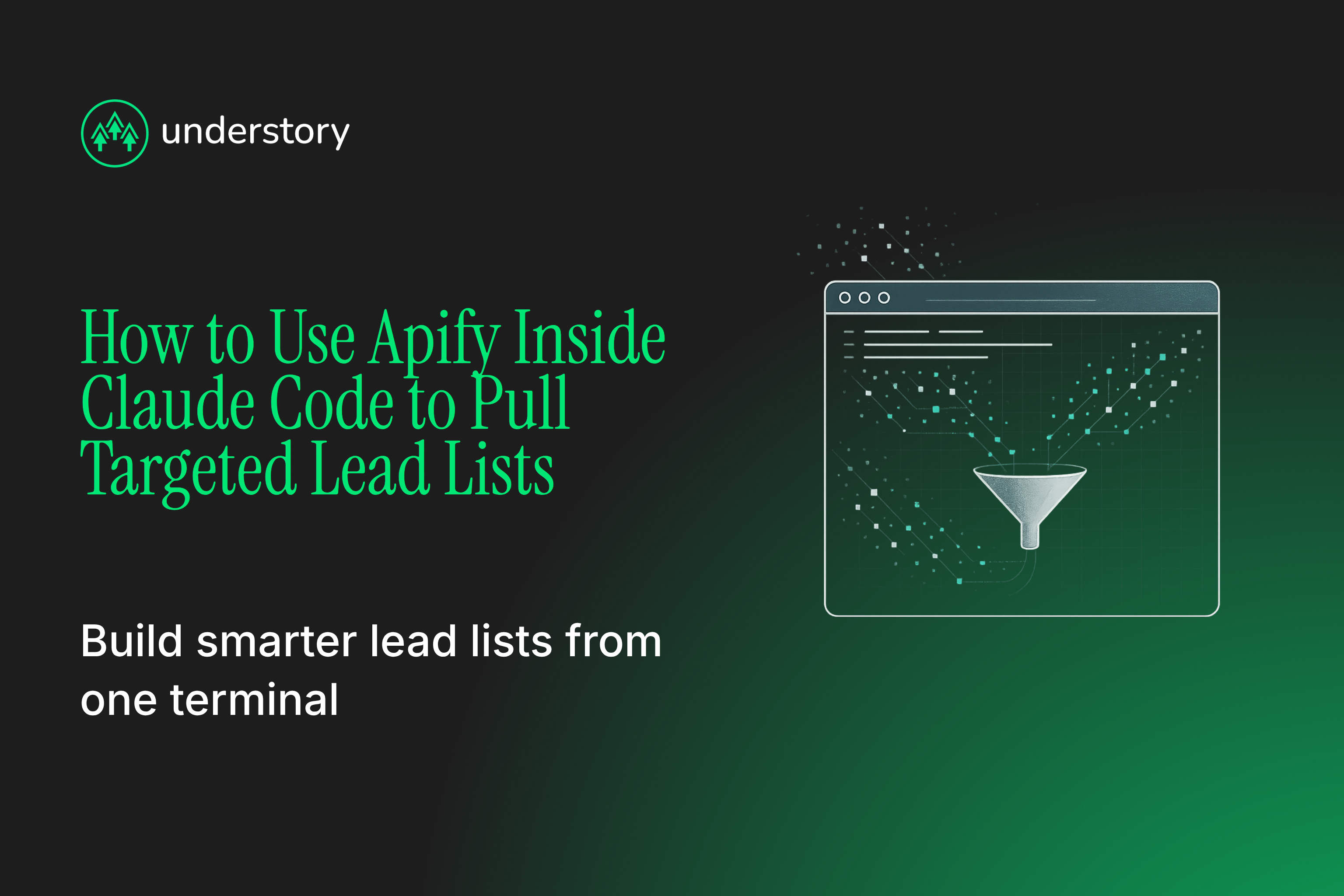
Apify inside Claude Code lets you describe the leads you want in plain English, run the right scraper, clean the output, and export a structured list without leaving your terminal. The same enriched list can feed both your outbound marketing sequences and your LinkedIn ad audiences. The team can then measure coordinated channel performance.
What Apify inside Claude Code actually does
Apify is a cloud platform with pre-built scrapers, called Actors, that pull structured data from the public web: Google Maps listings, LinkedIn job posts, G2 reviews, company websites. Claude Code is Anthropic's terminal-based AI coding tool that reads your files, runs commands, and executes multi-step tasks.
The Apify plugin connects the two through MCP (Model Context Protocol), an open standard for connecting AI applications to external systems. Once connected, Claude Code can search Apify's actor library, read an actor's input schema, and run it directly. Apify's MCP server creates a matching tool for each actor, so Claude knows what arguments to pass and what output to expect.
For GTM teams, this eliminates manual scraper selection, CSV exports, and column cleanup. You type "find SaaS companies hiring RevOps leads in the last 30 days," and Claude Code picks the actor, runs it, and returns structured data.
How to set up Apify inside Claude Code
You need an Apify account and the Claude Code CLI installed and authenticated. Get an Apify API token from the Apify Console under Settings → API & Integrations.
Then:
- Run /plugins in Claude Code to open the plugin manager.
- In the Marketplaces tab, add https://github.com/apify/apify-claude-code-plugin.
- In the Discover tab, find the apify plugin and install it, then run /reload-plugins.
- Run /mcp, find plugin:apify:apify, select it, and choose Authenticate. Claude Code opens a browser OAuth flow; for headless setups, export APIFY_TOKEN before starting.
- Verify by asking Claude Code to search the Apify Store for any actor.
Read-only actions like searching the Store and fetching actor details can work without signing in. Running actors and touching your account data requires the token. If you already use a recent version of Apify's CLI, apify mcp install claude-code handles the setup in one command.
Which Apify actors pull B2B SaaS leads
Most of Apify's actor library is irrelevant for B2B lead gen. The actors worth knowing fall into three categories.
- Company and contact discovery. Google Maps Scraper (compass/crawler-google-places) returns business names, websites, phone numbers, and review counts. An optional add-on surfaces contact-level fields like jobTitle and companyLinkedin. Website Content Crawler scrapes company sites for tech stack signals, hiring pages, and product positioning. Contact Details Scraper pulls emails, phones, and social links from company domains. LinkedIn-adjacent actors like harvestapi/linkedin-profile-search extract profile data, though broad queries may need to be divided into narrower searches.
- Signal-based filtering. LinkedIn Jobs Scraper (curious_coder/linkedin-jobs-scraper) returns company name, job poster name and title, employee count, and posting date. The Greenhouse, Lever & Ashby Job Scraper searches ATS boards directly to catch GTM and RevOps hiring. G2 review scrapers surface companies actively evaluating tools in your category, down to reviewer job title and company-size bucket. The GTM Signals Aggregator merges hiring and tech-stack signals into one Clay-ready row with a composite score. Weight headcount growth and VP-level hires over total open roles. Raw job-opening volume alone does not tell you whether a company has budget, urgency, or a relevant buying process.
- Scoping by ICP. Don't scrape "marketing agencies in the US." Scope by vertical, headcount range, technology signals, and hiring patterns: "SaaS companies with 50 to 200 employees hiring a Head of Demand Gen in the last 30 days" narrows to prospects with budget and urgency. Query specificity determines list quality.
Choose actors based on the ICP signals you need.
From raw scrape to outbound-ready list
Apify output is raw data. A domain might be a parked redirect, a small startup, or a brand owned by a much larger parent. Four steps turn a scrape into the pipeline.
- Scrape and clean in one session. Run the actor, export JSON or CSV, and have Claude Code deduplicate first. Dedupe on canonical LinkedIn URL first, normalized work email second, name-plus-domain only as a flag for review. Deduplicating before enrichment matters because you pay per enriched row.
- Enrich through Clay. Push records into Clay for waterfall enrichment: firmographics, verified emails, LinkedIn URLs, tech stack. Configure providers in a cost-conscious sequence and stop when one returns a valid result. A waterfall can improve coverage over a single provider. As a Clay Enterprise Partner, we build this enrichment layer for every client.
- Score and filter by ICP. Use Clay formulas or Claygent scoring to gate leads: industry match, headcount range, buyer title, then a numeric score with a threshold before anything reaches your sequencer. Most teams skip this step. They send unqualified lists and damage their domains' sender reputations. Some waterfall hits will still be undeliverable, and mailbox providers monitor spam and deliverability rates. Verify before you send.
- Route to outbound and paid media. Qualified contacts push to HubSpot for CRM tracking and to Instantly or HeyReach for sequencing through Clay integrations. The same table can sync to LinkedIn Matched Audiences once it contains enough matchable records. This turns the list into an allbound marketing campaign: one dataset powers sequences and ads. Use channel-level testing to compare ad-warmed prospects with pure cold outreach in your own market.
The result is a verified, ICP-scored dataset ready for outbound and paid media.
What Apify scraping misses, and how to fill the gaps
- No verified contact data on its own. Apify scrapes public web data. Many actors return no direct emails or phone numbers, and available contact fields vary by actor. Email and mobile enrichment can come from Clay's waterfall through providers like Wiza, LeadMagic, and IcyPeas. Enrichment also supplies precise headcount and other firmographic details, including revenue and funding.
- Actor reliability varies. Many Store actors are community-maintained, and a run can finish SUCCEEDED while returning poor data. When a site changes its HTML, selectors may return nulls, and the pipeline can write them without complaint. Check row counts and null rates against a baseline before pushing to enrichment; Claude Code can run those checks in the same session. Prefer actors with high usage counts and skip anything labeled "under maintenance." Set a billing limit in the Apify Console before large jobs to control overages.
- Compliance considerations. Evaluate compliance based on the applicable privacy law and intended use of each data type. Company-level data such as job postings, headcount, and tech stack is generally lower-risk than named individual contact data. Treat named B2B contacts as personal data where privacy law applies, and do not assume public availability equals consent to scrape or contact someone. Stick to public business data, provide the appropriate privacy notice at first contact where required, and never bypass login walls or CAPTCHAs.
- Cost. Apify offers multiple plans for testing and continuous scraping. Compare the total cost of scraping, proxies, enrichment, and quality control with the total cost of a static sales database. Subscription prices alone give an incomplete comparison. For teams that already run Clay, scraping the signals you need can offer more precise targeting than a static database as your ICP sharpens.
Plan for enrichment, quality checks, compliance, and total cost before making scraping part of a repeatable workflow.
Make it repeatable with a Claude Code skill
The setup above works once. A skill in .claude/skills/ makes it run on command. A SKILL.md file defines the workflow: it requires YAML frontmatter (name and description) and markdown instructions for each step. Beyond those required fields, you should specify:
- ICP parameters: vertical, headcount, and relevant signals
- Approved actors: the actor roster and input schemas
- Clay routing rules: enrichment routing for your Clay tables
- Output format: CSV for Clay import or JSON for a direct API push
- Allowed tools: Apify's MCP tools referenced by qualified name (Apify:call-actor) in allowed-tools
- Spending limits: cost controls like maxTotalChargeUsd so a bad run can't exceed your budget
Once defined, the scrape-to-enrichment pipeline triggers from /icp-scrape-enrich or a plain request like "build a prospect list." We run GTM workflows this way internally: codify once, execute consistently, and refine the ICP filters and enrichment logic over time.
Turn your lead lists into pipeline with Understory Agency
Apify inside Claude Code solves data collection. Converting those leads requires coordinated outbound campaign execution and paid media strategy. Understory builds that coordination: Clay-powered enrichment feeds personalized Instantly and HeyReach sequences, and the same ICP-scored list syncs to LinkedIn ad audiences so one dataset powers both channels. RemoFirst replaced their entire SDR team by running coordinated outbound through our GTM engineering. Yofi built their outbound system from scratch with us and had to pause the program because they were overwhelmed with qualified leads.
Book a consultation with Understory to see how a scrape-to-sequence lead engine works for your ICP, without you coordinating four vendors.
Related Articles

Qualified pipeline, handled
Signal-based outbound that fills the funnel while your team closes.