Each pattern comes with a recipe for the four parts of a LinkedIn ad, what to watch out for, and real examples from the picks below. Click an example to jump to it.
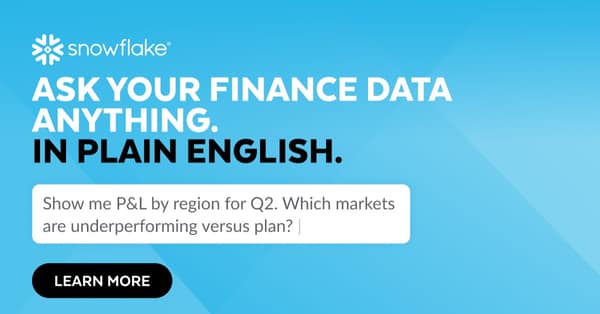
01Product UI with real numbers
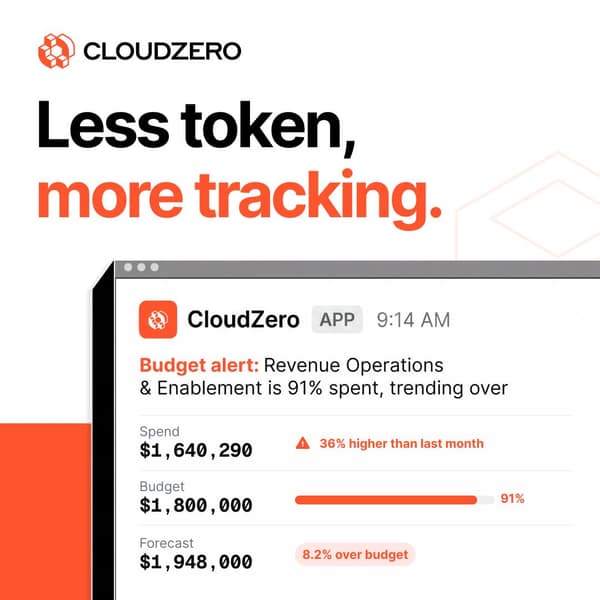
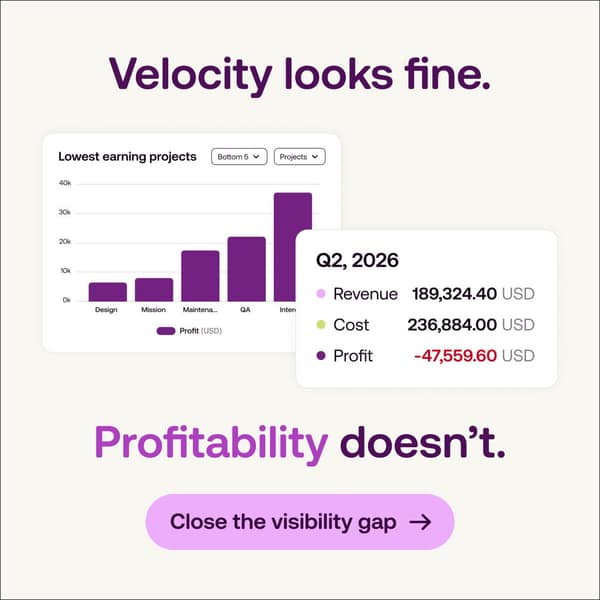
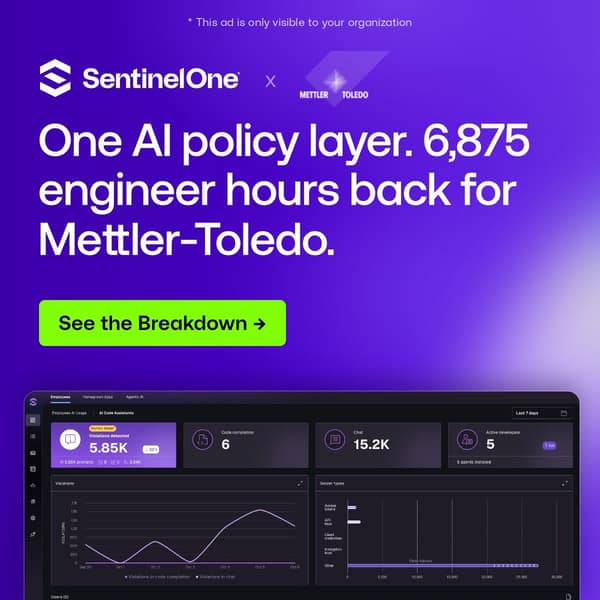
One crisp product screen or alert, cropped large, showing a believable moment with exact figures. Specific numbers read as measured fact, so the UI is the proof.
- ImageCrop one real product view or alert big. Exact non-round figures, a timestamp, one red or green signal, logo inside the frame.
- HeadlineName the moment the screen shows, in under eight words. Example: 'Velocity looks fine. Profitability doesn't.'
- IntroOne line on the situation the buyer is in, one line on what the product does about it, one proof number.
- CTASee it on your data / See a live demo.
Watch outInvented figures that look like a customer result: use real anonymised data or label it illustrative. One screen, not six widgets.
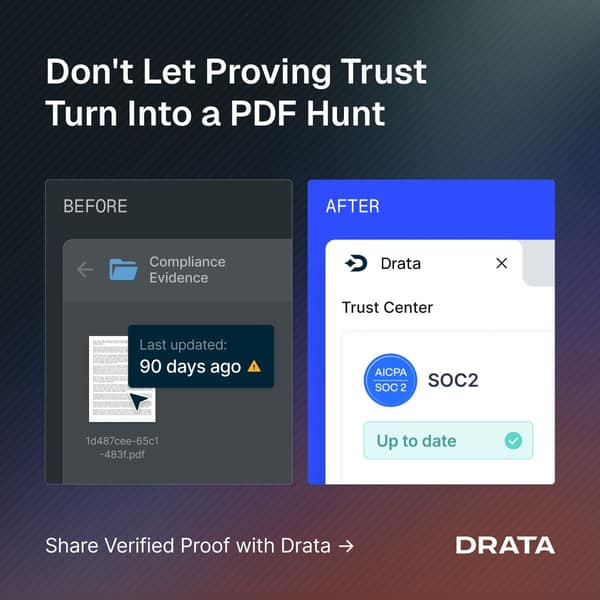
02Familiar artifact, rewritten
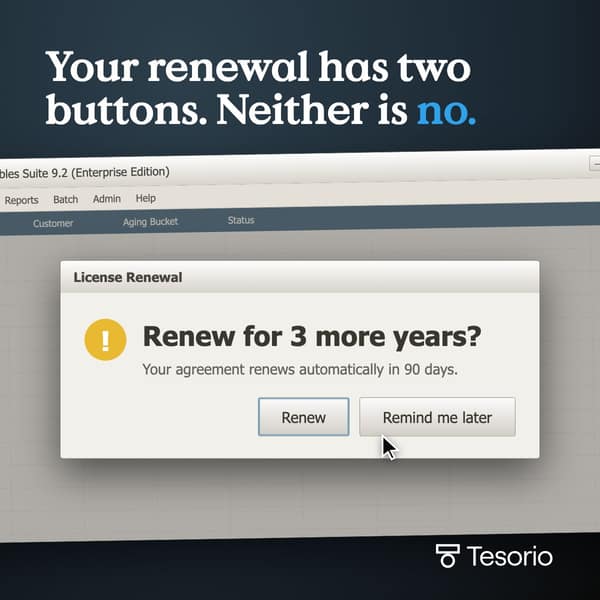
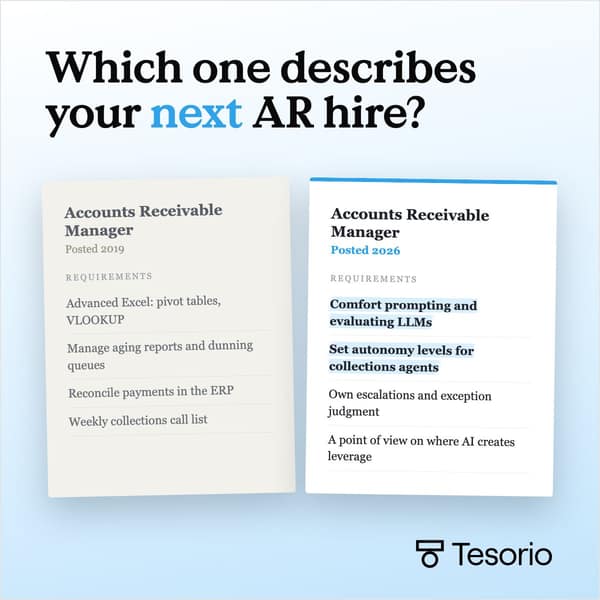
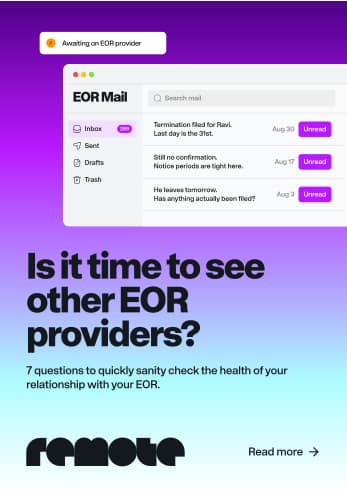
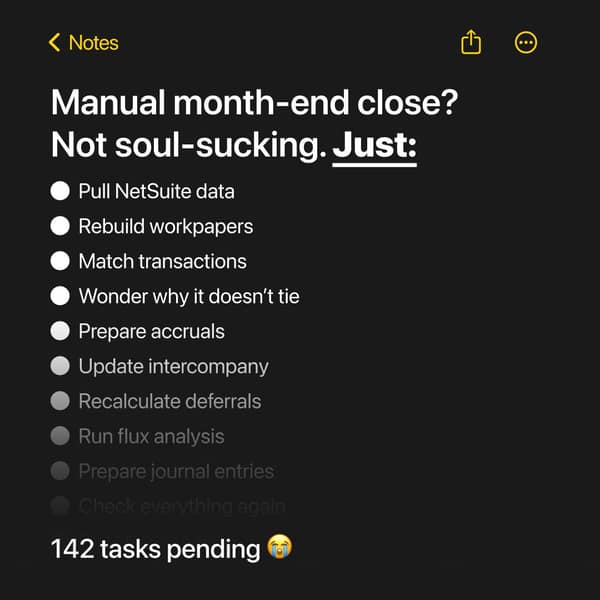
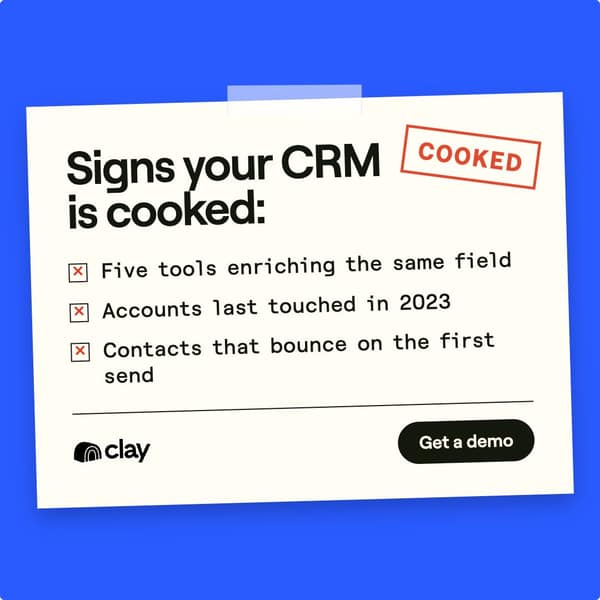
Recreate a document the buyer handles every week (invoice, renewal dialog, calendar invite, job post, inbox) and change one line so it makes the argument. Variant: Third-button invite or symptom checklist: every line must be a task the controller or engineer really does.
- ImageRebuild a real artifact faithfully in native fonts and layout. Change only the line that carries the point. Logo inside the artifact.
- HeadlineA short line that names the trap in the artifact. Example: 'Your renewal has two buttons. Neither is no.'
- IntroTwo sentences: what the artifact costs them today, and how the product removes it. Add a source for any statistic.
- CTASee how it works / Get the breakdown.
Watch outNo brand inside the frame, so readers remember the joke, not you. Sloppy fakes read as fake. No real customer names without approval.
03Overheard message thread
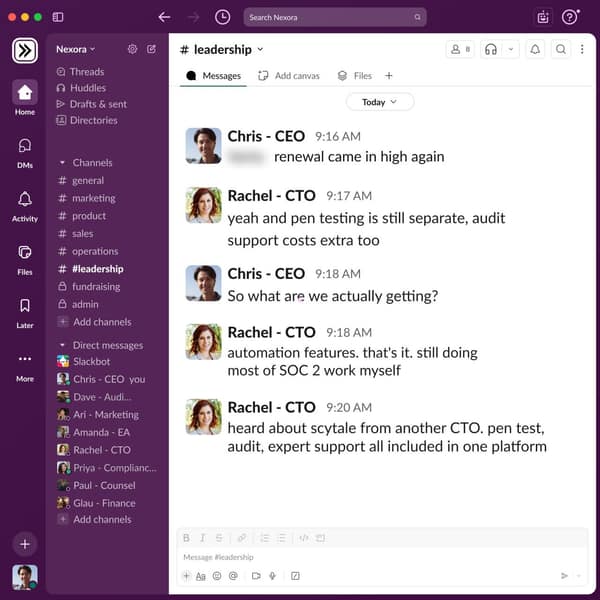
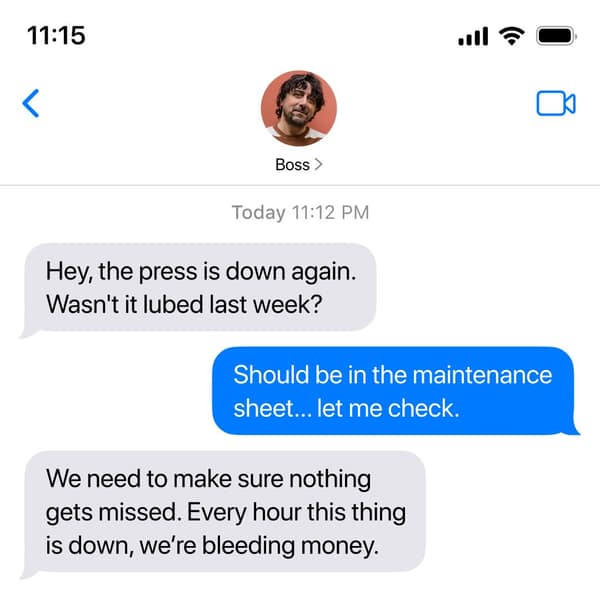
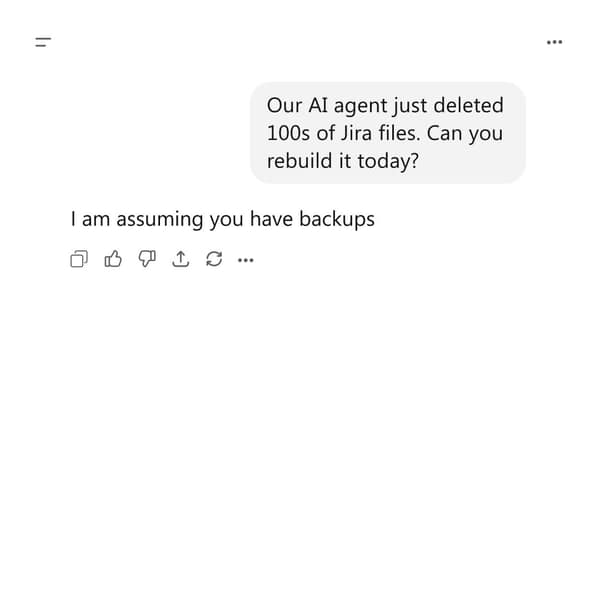
A Slack, iMessage or AI chat screen where buyers voice the pain in their own words, so the reader recognises their own week.
- ImageNative chat UI, 3-5 short messages, roles as names, timestamps. Brand named once inside the thread. No blurred vendor names.
- HeadlineName the problem in the buyer's words from the thread. Example: 'I am assuming you have backups.'
- IntroName the situation in one line, then the product and one proof point. Keep it as casual as the thread.
- CTASee how teams fix this / Book a demo.
Watch outNo brand in the image means the scene is remembered, not who fixed it. Keep it messy and short.
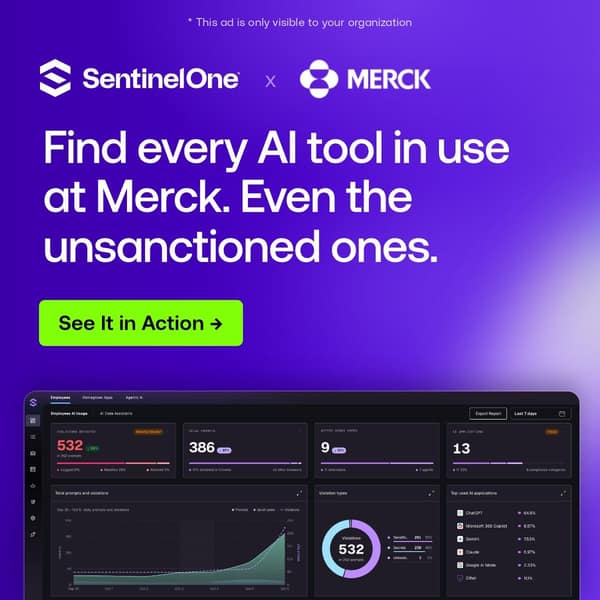
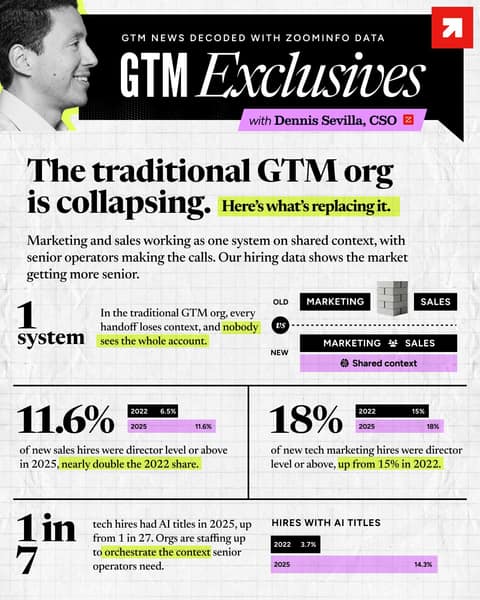
An ad that names the target company in the headline and shows what the product would find there. Built for account lists of a few hundred enterprises.
- ImageProspect's name beside yours, plus a product view or benchmark stat. Logo needs legal sign-off; 'only visible to you' note only when single-company targeted.
- Headline'[Company]' plus a sourced benchmark for firms like them, never a claim about them. Example: 'Merck: see every AI tool in use.'
- IntroOne line on why this matters at companies their size, one proof point from a similar customer.
- CTASee it for [Company].
Watch outFacts about the prospect you cannot know read as surveillance. Use sourced benchmarks, check logo policy, claim 'only visible to you' only if true.
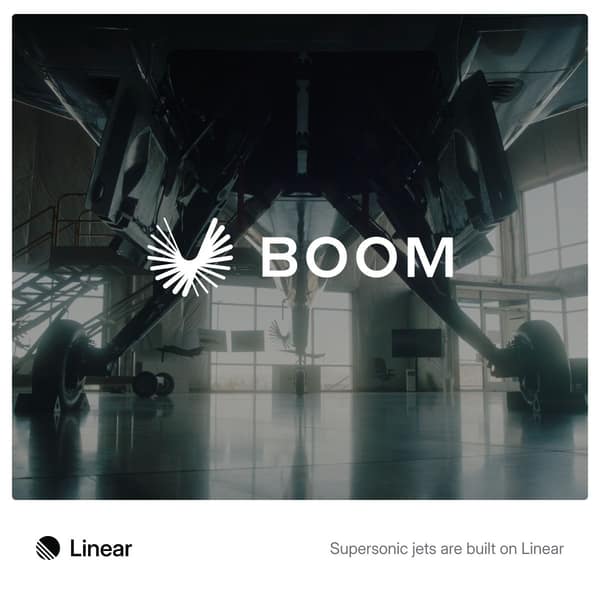
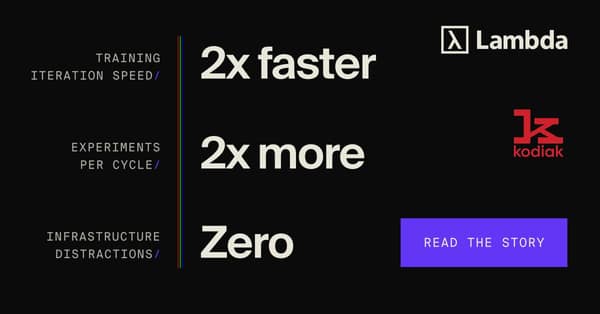
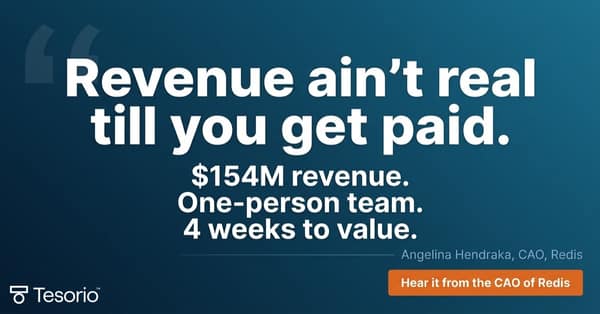
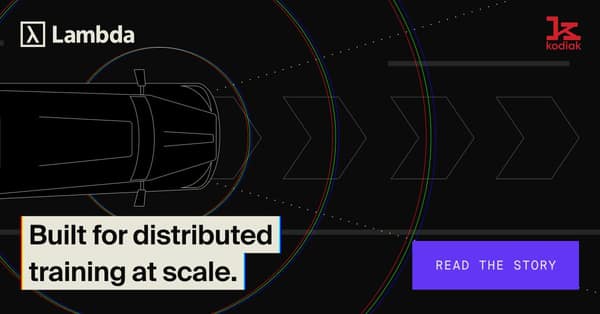
Let a known customer carry the ad: their product, their exec or their numbers fill the frame, and your brand sits small.
- ImageReal photo of the customer's product or exec, or 3 outcome lines with their logo. Your logo clearly visible beside theirs.
- Headline'[Customer] builds with [you]' or the exec's own quote. Pick a customer the reader sees as a peer.
- IntroWhat the customer faced, what changed, one number, a link to the full story.
- CTARead the story.
Watch outVague quotes, stock photos, a brand so small the customer gets the credit, and claims borrowed from a rival's ad.
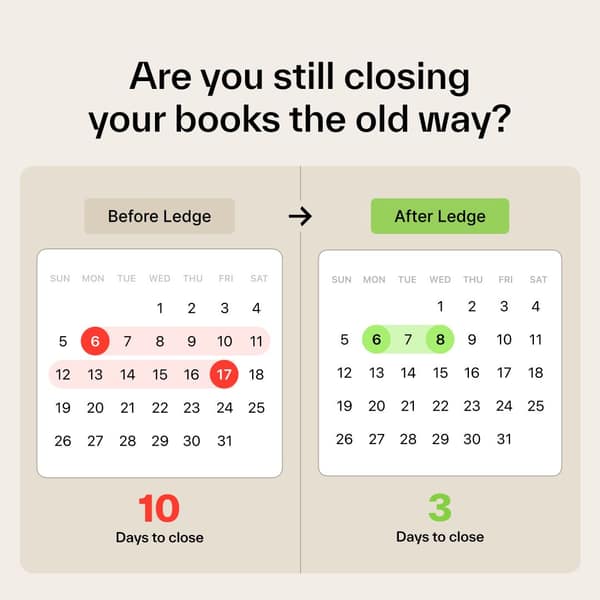
Two side-by-side panels of the same tool (calendar, file view, to-do) showing the old state and the new state, so the gain can be counted.
- ImageTwo identical frames side by side: calendar, file view or checklist. Shade the old one red, the new one green. Big counts underneath.
- HeadlineLead with the gain in numbers. Example: 'Close in 3 days, not 10.'
- IntroState both numbers plainly (10 days vs 3), then the one thing that makes the difference.
- CTASee how [customer type] did it.
Watch outUnsupported after-numbers: tie them to a named customer or average.
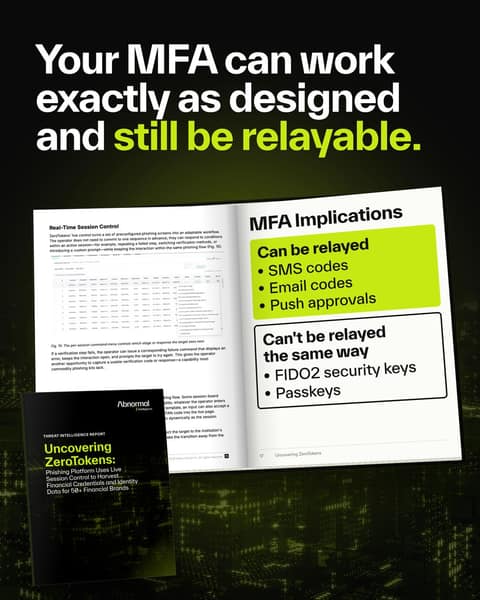
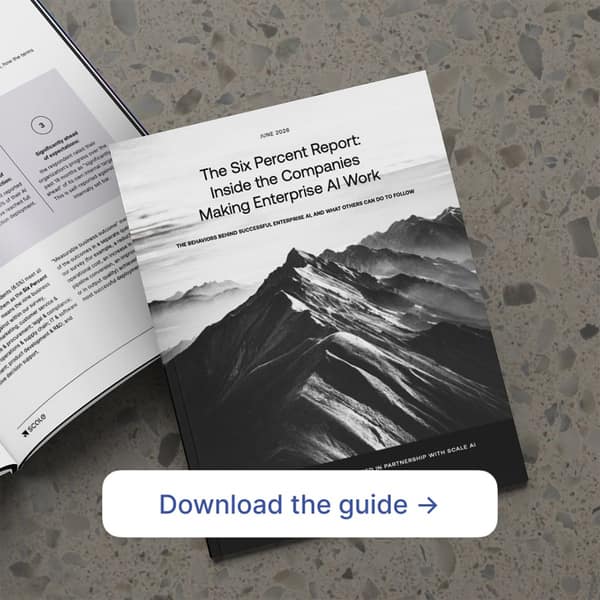
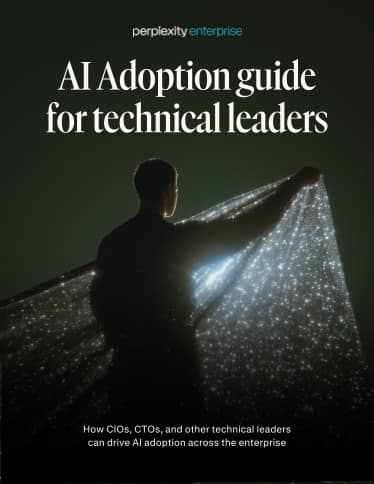
Show the report or guide as a real printed object (open spread or editorial cover) with one finding visible, so the content looks worth reading.
- ImagePhotoreal printed report on a real surface, or an open spread with one highlighted finding. For document ads, an art-directed photo cover.
- HeadlineThe most useful finding, or a title tied to a job the buyer does now (budget season, board review).
- IntroWho the report is for, what it covers, one finding, and how long it takes to read.
- CTADownload the guide / Read the report.
Watch outUse only for reports that exist, with a real inside page. Generic gradient covers and stock 3D mockups make the report look thin.
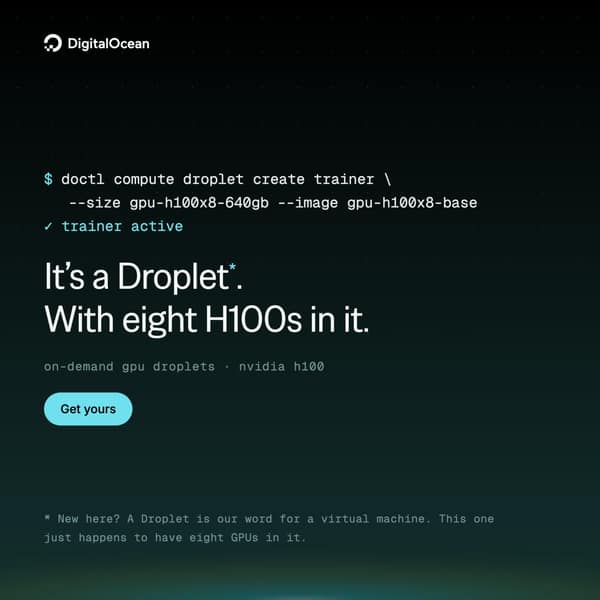
08Engineer-native code hero
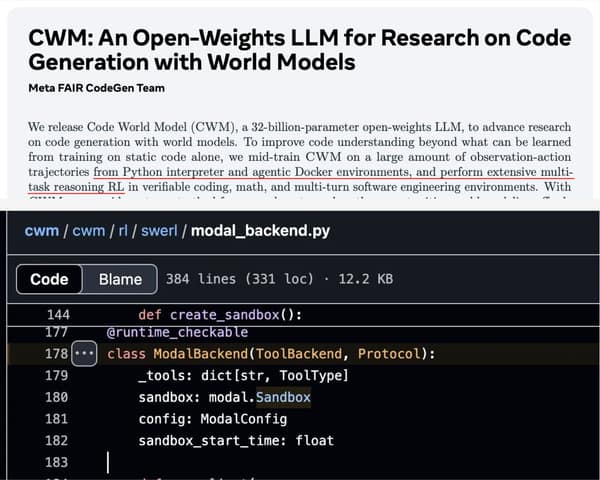
Real code, CLI output or a real repo screenshot as the main visual, written in the reader's own syntax with a dry joke or receipt.
- ImageA real code snippet, CLI command or GitHub file in monospace, correct syntax, one line highlighted. Dark background, one accent colour.
- HeadlineA short line or pun that only an engineer gets. Example: 'It's a Droplet. With eight H100s in it.'
- IntroOne sentence on what the code does, one on price or speed, no marketing adjectives.
- CTAGet started / Deploy now.
Watch outMade-up syntax gets mocked in comments. An engineer checks every character and every speed claim.
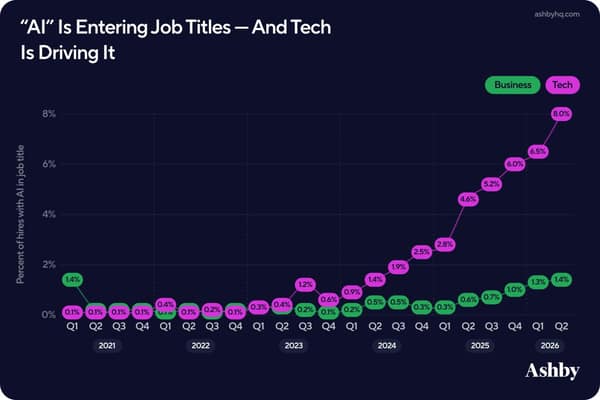
Original data laid out like a newspaper page, chart or reference table, so the ad is something worth saving and quoting.
- ImageOne real chart or newspaper-style layout: serif headline, at most three stats, small comparison bars. Cite the source and sample size.
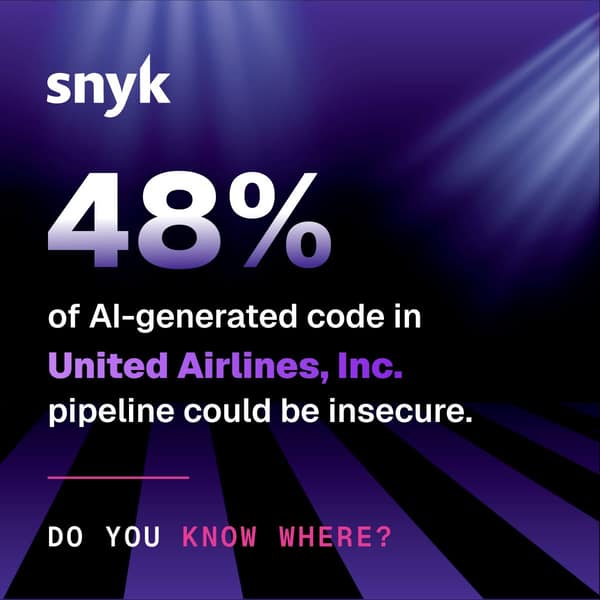
- HeadlineThe trend as a plain statement. Example: '"AI" is entering job titles, and tech is driving it.'
- IntroWhere the data comes from (sample size, period) and the one takeaway for the reader's job.
- CTAGet the full data.
Watch outToo many numbers, or data with unclear source or rights. One trend, legible on a phone, method and sample stated.
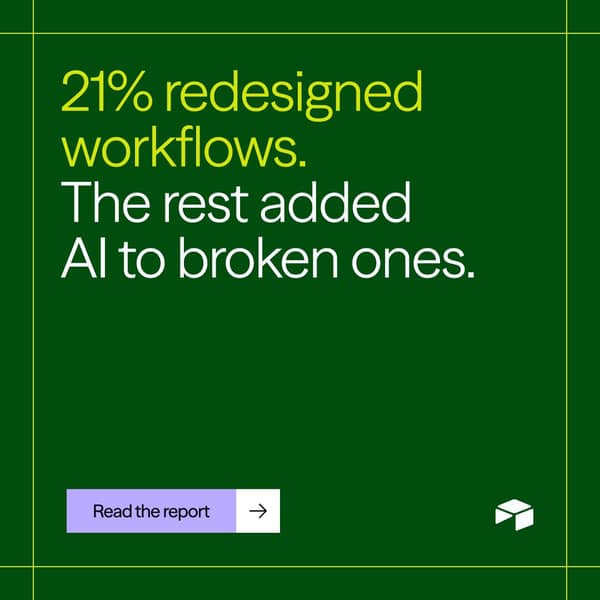
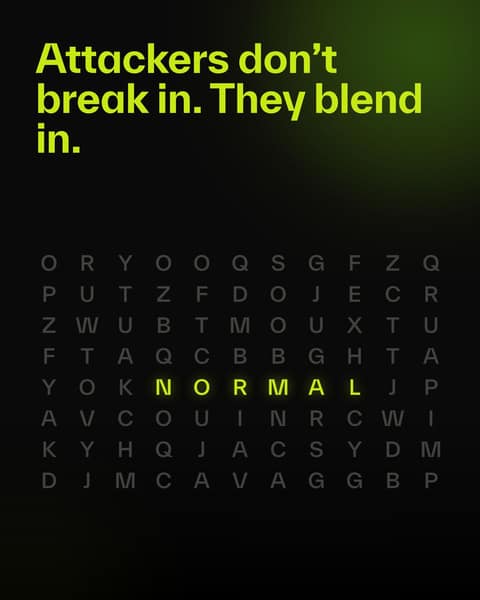
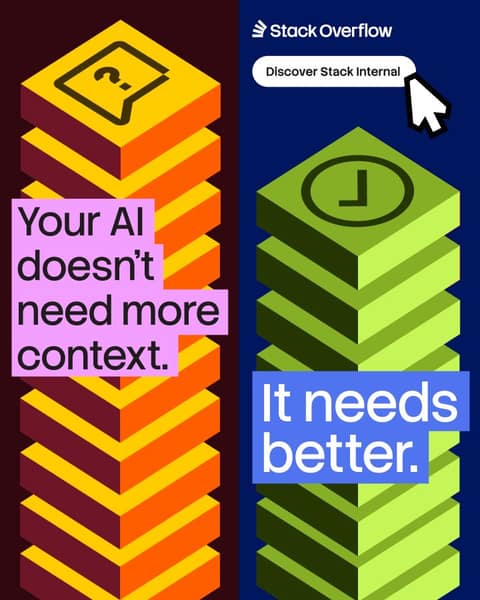
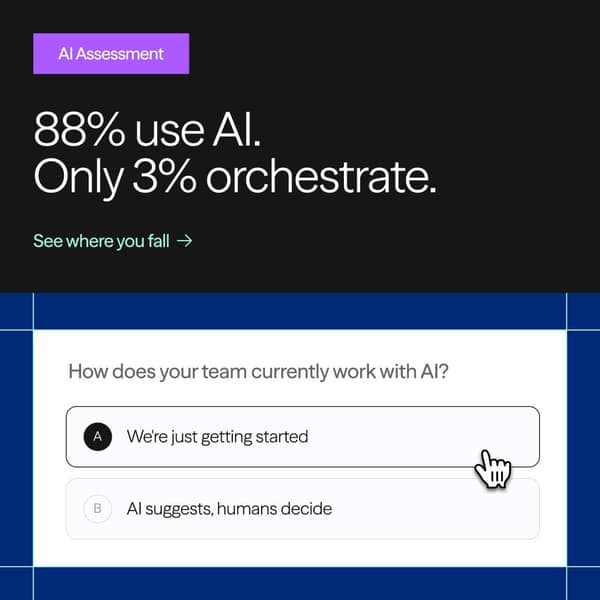
Pure type with a setup and a jab, sometimes with a type trick (word search, italic word) doing the visual work.
- ImageType only on a flat colour, or a simple type device (hidden word in a grid). One accent colour for the sting.
- HeadlineSetup line, then a sting about what the best do. Example: 'Your infrastructure has rules. Your AI has vibes.'
- IntroExplain the stat in one line and say what the product changes. Keep it calm.
- CTASee where you stand / Read the report.
Watch outStings that insult the reader, unsourced stats, and lines that make failure sound normal. Point to what the best do.
11Physical metaphor, photographed
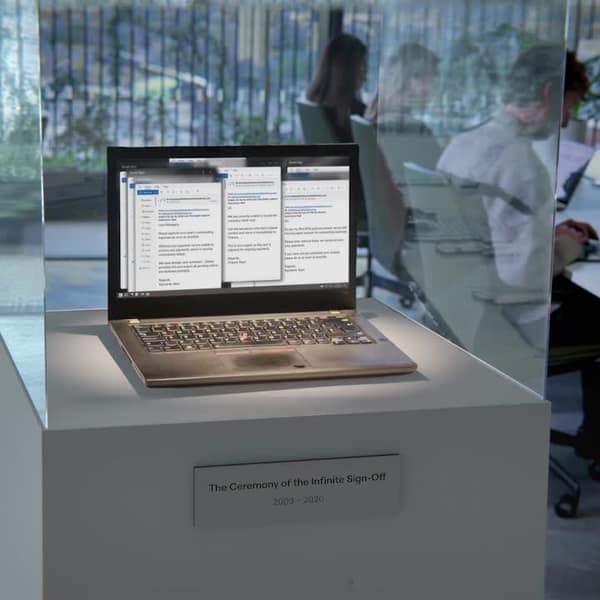
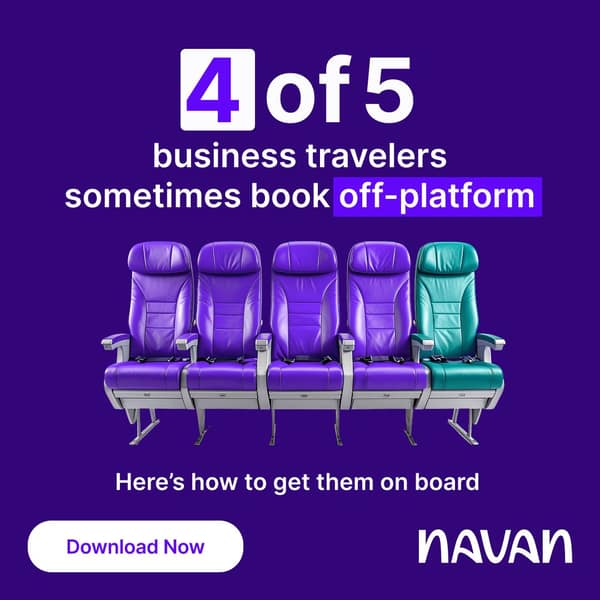
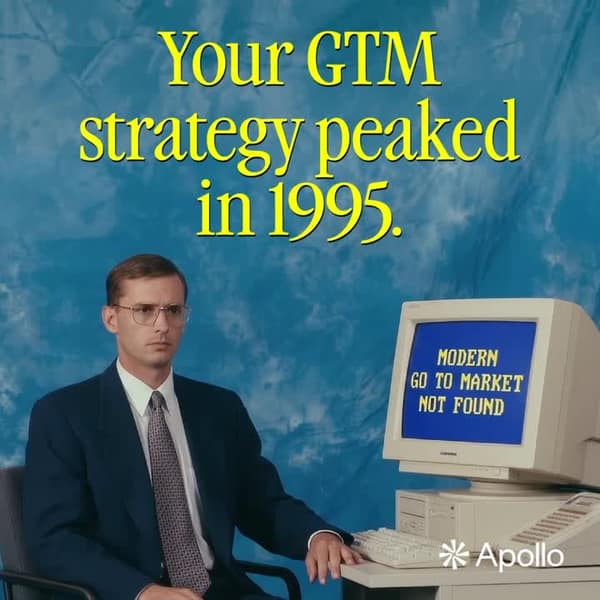
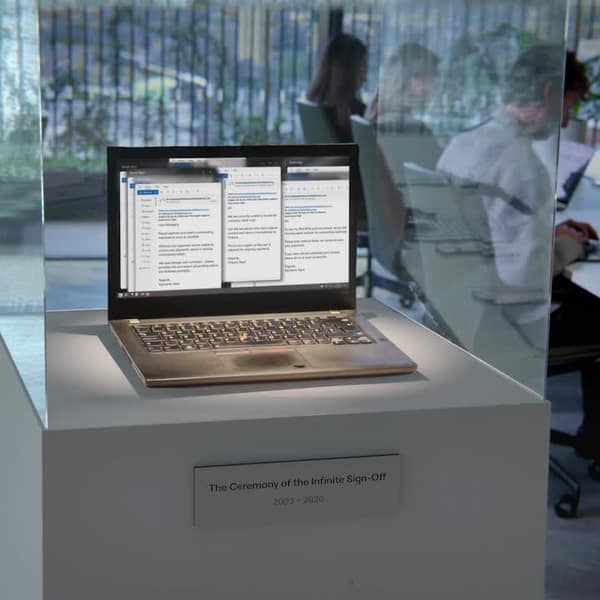
Build or shoot a real object that stands for the idea (museum case, seats, ledger, retro set), so the ad looks crafted rather than designed.
- ImagePhotograph one real prop or staged set that makes the point. Film grain, natural light, no stock models smiling at camera.
- HeadlineShort line or a plaque-style caption naming the old way. Example: 'The Ceremony of the Infinite Sign-Off, 2003-2020.'
- IntroOne line translating the metaphor into the buyer's problem, one on the product.
- CTASee the new way.
Watch outPlastic AI props, copying Spendesk's museum, and metaphors that need explaining. Retire the old process, never the reader's team.
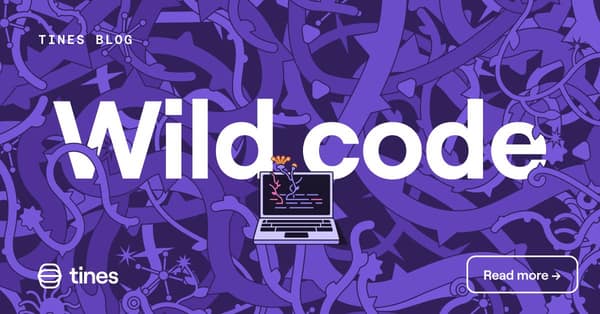
12Hand-made illustration twist
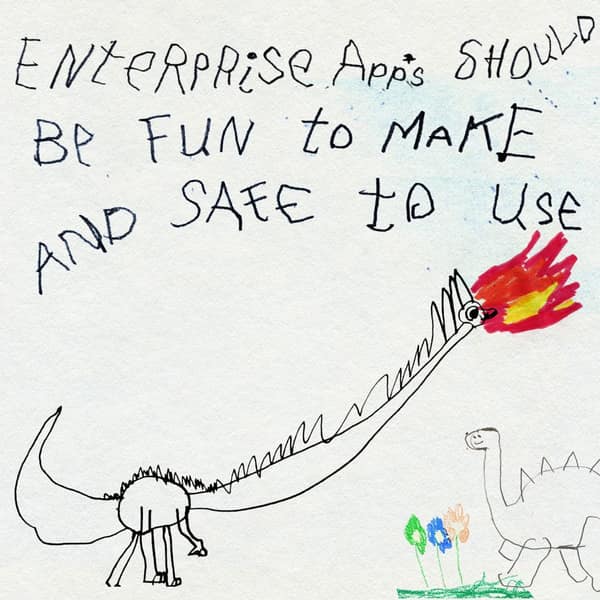
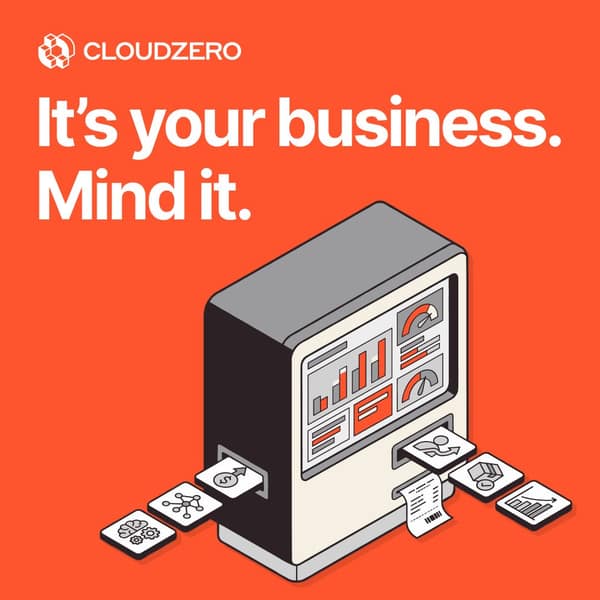
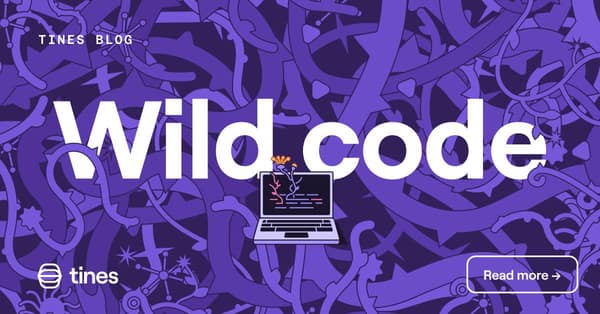
A distinctive illustration style (crayon, letterpress card, botanical, isometric) that carries a light idea and sets the brand apart from SaaS gradients.
- ImageCommission one hand-drawn style: child's crayon, letterpress greeting card, botanical tangle or isometric machine. Keep it on brand colours.
- HeadlineA warm or wry line that fits the format. Example: 'Thinking of you while you're stuck moving data.'
- IntroName the problem plainly and the product's answer. Let the image carry the tone.
- CTASee how it works / Read more.
Watch outCute without a point, a reused line from the source ad, or a brand missing from the art. The problem must land in two seconds.
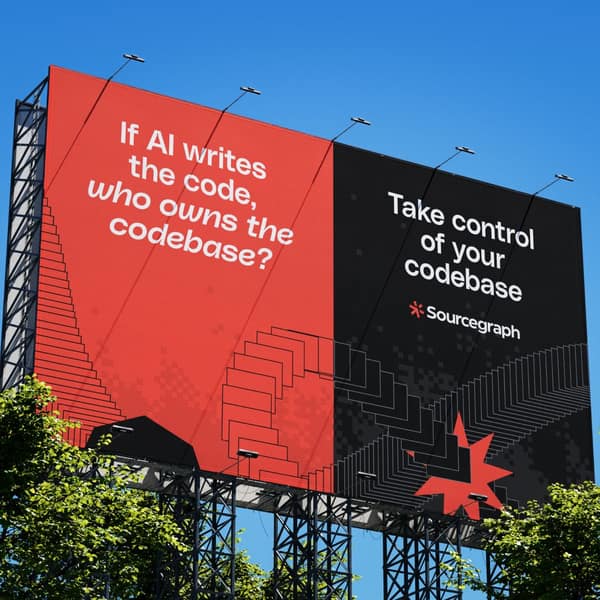
Place the message on a photographed billboard or poster, often a quote from someone who is 'Not a customer', to give it public weight.
- ImageReal-looking billboard or wall poster in a setting that matches the buyer's world (city street, port, office corridor).
- HeadlineA real pain quote, used with consent, from someone before they became a customer. Name and role as approved.
- IntroExplain the cost in the quote with one fact, then how the product removes it.
- CTASee how it works.
Watch outInvented people with real-looking names are fake testimonials: real quotes only. Templated mockups look fake.
A short conversation ad from a named person that opens with how a named peer company solved the problem, then asks one question.
- ImageNo image. Sender is a real named person with a real profile photo; plain message text, two reply buttons, no banner.
- HeadlineSubject line naming a peer: 'Want to [result] like [peer]?'
- IntroFirst name greeting, one line on the pain, one line on the peer result with a number, one question.
- CTATwo buttons: 'Show me how' and 'Send me the case study'.
Watch outPeers named without permission, scripts over 80 words, and cold sends. Launch only when the warm audience is 2-3K+, ideally about 5K.