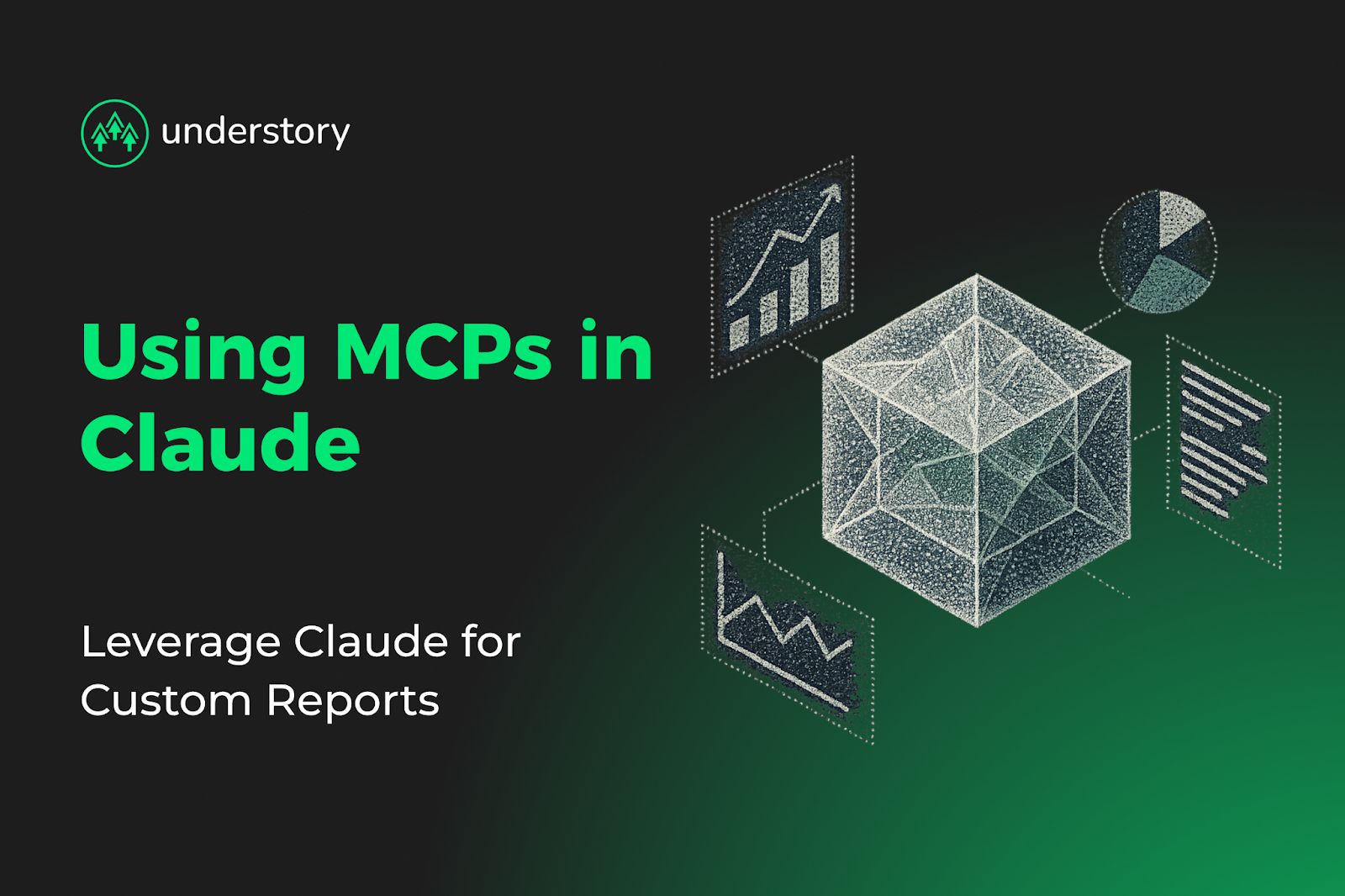
MCP (Model Context Protocol) connects your SaaS growth data directly to Claude. Instead of switching between Salesforce, Google Analytics, marketing automation platforms, and product analytics dashboards, you ask questions in natural language and get answers from all sources simultaneously.
This guide covers how MCP works, implementation patterns for common SaaS reporting needs, and when MCP makes sense versus traditional BI tools.
What is MCP and how does it work?
The Model Context Protocol provides a universal interface for connecting AI applications to external data sources. It uses JSON-RPC 2.0 for communication through a three-component architecture:
- MCP Host: The AI application container (Claude Desktop, Claude Code)
- MCP Client: Protocol handler embedded within the host
- MCP Server: External services exposing data and capabilities to Claude
MCP exposes data through three primary methods:
- Resources: Read-only access to structured data through standardized URIs (database records, API responses, file contents)
- Tools: Executable functions Claude can invoke directly (SQL queries, API calls, file operations) defined with JSON schemas for type safety
- Prompts: Pre-built templates and reusable AI interaction workflows parameterized for dynamic behavior
This architecture enables Claude to query your billing system, analytics platform, and CRM through a single conversational interface.
How to build SaaS analytics MCP servers
MCP servers use Python-based architecture that exposes growth data through standardized protocols:
from mcp.server.fastmcp import FastMCP
import httpx
# Initialize MCP server for SaaS analytics
mcp = FastMCP("saas-growth-analytics")
@mcp.tool()
async def get_mrr_breakdown(time_period: str = "last_30_days") -> dict:
"""Get MRR breakdown by segment, new/expansion/churn"""
async with httpx.AsyncClient() as client:
response = await client.get(
"https://api.billing-system.com/v1/mrr",
params={"period": time_period},
headers={"Authorization": f"Bearer {API_KEY}"}
)
data = response.json()
return {
"new_mrr": data['new'],
"expansion_mrr": data['expansion'],
"churn_mrr": data['churn'],
"net_new_mrr": data['new'] + data['expansion'] - data['churn']
}
@mcp.tool()
async def get_acquisition_funnel(source: str = "all") -> dict:
"""Analyze acquisition funnel metrics by source"""
async with httpx.AsyncClient() as client:
response = await client.get(
"https://analytics-api.com/v1/funnel",
params={"source": source}
)
data = response.json()
return {
"visitors": data['visitors'],
"signups": data['signups'],
"trial_starts": data['trial_starts'],
"conversions": data['conversions'],
"conversion_rate": (data['conversions'] / data['visitors']) * 100
}
Once built, configure Claude Desktop to connect to the server. Edit ~/Library/Application Support/Claude/claude_desktop_config.json:
{
"mcpServers": {
"saas-analytics": {
"command": "uv",
"args": ["run", "/path/to/saas_analytics_server.py"],
"env": {
"BILLING_API_KEY": "your-billing-api-key",
"ANALYTICS_API_KEY": "your-analytics-api-key",
"API_KEY": "your-api-key"
}
}
}
}
Each environment variable contains API credentials for your data sources. The SaaS analytics server supports tools for MRR breakdown, acquisition funnel analysis, cohort retention, and campaign ROI calculation.
Custom report patterns for SaaS growth teams
The following patterns address common reporting needs where SaaS growth teams typically coordinate between multiple specialists or switch between disconnected platforms. Each pattern consolidates data access into a single MCP tool.
Pipeline velocity and deal risk intelligence
MCP servers can automatically pull deals in pipeline >30 days, analyze activity patterns, score deals based on health indicators, and flag high-risk opportunities with automated Slack alerts. This reduces time previously spent on manual CRM audits and deal intelligence platform management.
Multi-channel attribution with unified access
Instead of switching between marketing automation platforms, CRM systems, and analytics tools, unified attribution analysis happens through natural language queries:
@mcp.tool()
async def get_campaign_roi(campaign_id: str) -> dict:
"""Calculate ROI across marketing channels"""
async with httpx.AsyncClient() as client:
spend_resp = await client.get(f"https://ads-api.com/campaigns/{campaign_id}/spend")
revenue_resp = await client.get(f"https://analytics-api.com/attribution/{campaign_id}")
spend = spend_resp.json()['total_spend']
revenue = revenue_resp.json()['attributed_revenue']
return {
"campaign_id": campaign_id,
"spend": spend,
"revenue": revenue,
"roi": ((revenue - spend) / spend) * 100,
"roas": revenue / spend
}
Customer health and expansion opportunity reports
Connecting product usage data with billing information identifies expansion opportunities:
@mcp.tool()
async def get_expansion_candidates(usage_threshold: float = 0.8) -> list:
"""Identify accounts with high usage approaching plan limits"""
sql_query = f"""
SELECT account_id, current_plan, usage_percentage, mrr
FROM customer_health
WHERE usage_percentage > {usage_threshold}
AND expansion_opportunity = true
ORDER BY mrr DESC
"""
result = await execute_warehouse_query(sql_query)
return result
This replaces manual coordination between customer success, product analytics, and sales teams for expansion pipeline identification.
When MCP delivers results versus traditional BI
MCP provides advantages when your growth team needs:
- Natural language data access without SQL knowledge or dashboard configuration
- Multi-source queries across Salesforce, Segment, Stripe, and support tickets simultaneously
- Analysis-to-action automation: query metrics, generate insights, post to Slack, update database records
- Consolidation of 3-5 point solutions for deal intelligence, attribution, and manual reporting
MCP requires ongoing investment in technical implementation: understanding client-server architecture, configuring secure data protocols, developing custom integration code, protocol updates, security implementation, and troubleshooting.
Cost structure differences: Traditional BI offers fixed costs with managed maintenance. MCP shifts maintenance to implementation partners and introduces variable per-query API costs. Total cost depends on query volume and implementation complexity.
Choose MCP when your growth team needs:
- Rapid integration of non-standard data sources
- Conversational analytics interfaces your team will actually use
- Reduced specialist dependencies across multiple platforms
Choose traditional BI when you need:
- Well-defined reporting needs and visual exploration requirements
- Enterprise governance (SOC 2, GDPR compliance)
- Engineering resources focused on product development rather than analytics infrastructure
Most SaaS growth teams benefit from combining both approaches: traditional BI for core dashboards, visual exploration, and compliance requirements (where mature role-based access control and audit trails are essential), plus MCP for conversational interfaces, multi-source data queries, and automated analysis-to-action workflows.
Build custom reports with Understory Agency
At Understory, we build and maintain MCP servers for SaaS growth teams, consolidating disconnected platforms into unified conversational interfaces. Rather than coordinating between multiple specialists managing Salesforce, Marketo, HubSpot, and Google Analytics separately, we centralize data access through standardized protocols.
Our GTM engineering capabilities extend beyond outbound sequences to include custom automation infrastructure. We handle implementation complexity and ongoing maintenance, enabling growth teams to access insights from multiple systems without constant platform switching.
Book a strategy call to discuss how we can build a custom MCP implementation for your analytics stack.
Related Articles

Pipeline that compounds
Paid, outbound, content, creative and RevOps as one system. Same team, same ICP, same messaging.